
Microsoft Word Tip 1: Format Brush
Microsoft Word has a leading share of the market for word processing software, and the odds are that you will use it at some point if you are not already. You may even use to prepare your resume for your next job. With this in mind, Contemporaries, Inc. is doing a series of articles on Microsoft Word Tips.
In this article, we will focus on the ‘Format Brush.’ This tool lets you apply everything you like about one part of your document and apply it to another of your with just two clicks of the mouse. That means if you like the font, color, bulleting, indention, alignment, spacing, etc. in one line of your document, you can apply it to another whole section with two clicks. It looks bad when your resume or a report has multiple fonts with different colors and bullets that are lined-up evenly or with the same spacing. This tool lets you fix that. Here is how it works:
Step 1: Select the word, line or section of text you want to apply elsewhere.

Step 2: Click the Format brush in the top left (hint: it looks like a brush). You can also get to the format brush with macros or in a little box that appears when you select or left click text. They all do the same thing though.

Step 3: Then just select the line or section you would like to apply that formatting to.

Note how in the picture above, that the third step gained the bullets, font and other formatting from text selected by the format brush in the steps above. This tip word in other Microsoft Office programs too, such as Publisher, Excel and PowerPoint.
This posting is brought to you by Contemporaries Inc., one of the best temp agencies in Boston MA. Also available for payrolling employees in Boston and Greater Boston
Recent Posts

Managing your Inbox
There was a time when your inbox referred only to "a boxlike tray, basket, or the like, as on a desk, for holding incoming mail, messages, or work." How efficiently you made your way through this inbox without cluttering up your desk would influence how others viewed...

The Selfless Spirit
Ambition can be a great motivator but your actual actions should not be based on personal gain in the workplace, rather with a selflessness that moves the team and organization forward. This constructive quality over one's ego is one that distinguishes a responsible...

The Team Comes First
Sayings like 'the customer is always right' or 'first' may be rooted in the positive goal of satisfying the customer, but your team should come first. Dede Henley observes in her Forbes article on inspiring teams that "it’s common sense, isn’t it? Fight for your...

Asking the Right Questions: “How might we…”
The way questions are framed can encourage constructive ideas from your team. In a Forbes article on inspiring teams, Dede Henley suggests that starting the questions with, "How might we..." rather can "How do we..." can draw out questions "that get people to expand...

Constructively handle Concerns
There are always reasons to have concerns about a project. In fact, professional project managers will often formally divide these concerns into risk and uncertainty. Some risks can be managed by tracking them and preparing for them. For instance, if your project...

Feeling good on the job starts at home with a good nights rest
Feeling good on the job starts at home with a good nights rest. According to the National Sleep Foundation, "those with excellent sleep health are nearly 3.5 times more likely to report feeling well-rested on a typical weekday than those with poor sleep health." ...

Productivity is a Process
Even when you have effective methods for getting work done, the process of being more productive is an ongoing one. It may be tempting to fall into an "if it ain't broke don't fix it” mindset, but there are usually better ways of doing things. Many simply require...
Resume Tips: Keep it Clean, Clear & Simple
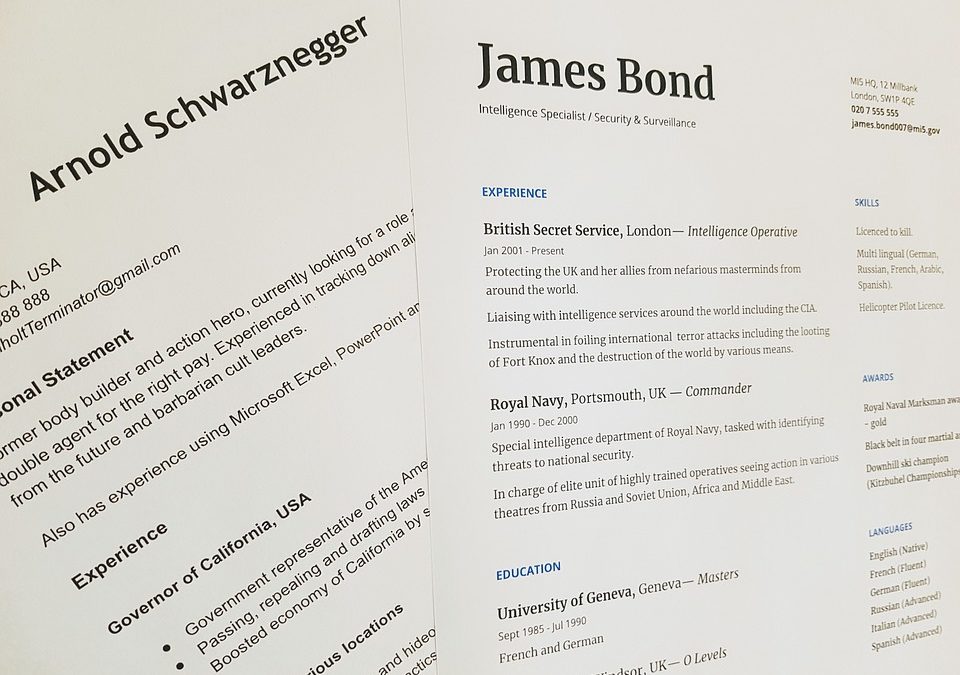
When writing your resume, keep it clean, clear and simple. Your prospective employer shouldn't have to riffle through pages or try to decipher your meaning. One clear page is better than several with unnecessary information. A clean resume is a pleasure to look at....

Interview edge? practice common questions
If you are looking to build your confidence before an interview, the surest way to feeling secure about what you'll say on the day is to practice. While you may not know exactly your interviewers will ask, there are common questions that come up again and again....

Presentation Tip 1: Practice out loud
Presenting your ideas effectively in the workplace is important, especially when delivering your views in a meeting. There are a number of steps you can take to build your confidence and improve your performance but simply practising OUT LOUD remains an effective...

The fundamental role of the team leader
When you take charge of a team, it is of paramount importance to understand member capabilities in relation to the project or team objectives. Once this is understood, its the role of the team leader to ensure that the conditions are set and implemented for utilizing...

Effective communication is a two way process
Many pitfalls can be avoided simply through improved communication between colleagues and stakeholders. A clear understanding of roles and expectations can help prevent unnecessary work and ensure that everyone is on the same page. In the healthcare sector, such...
Microsoft Word Tip 5: Add a Table of Contents
When preparing a paper, manual or report for work that involves more than one section to it, the addition of a ‘table of contents’ can help the reader get to exactly what they need. Including this roadmap also adds a polished quality to your work and can be done in a...
Microsoft Word Tip 4: Quick Charts
Visuals can make your report easier to understand and allow you to show off polished presentation skills at work. In earlier versions of Microsoft Word, you would need to link your word document to a separate Excel file to convert a simple list into a pie chart or...